
Other built-in providers
This page covers providers beyond S3 / R2, GitHub, and Local / WebDAV / SFTP. All follow the same setup flow:
- Prepare an account, write target, and credentials from the service.
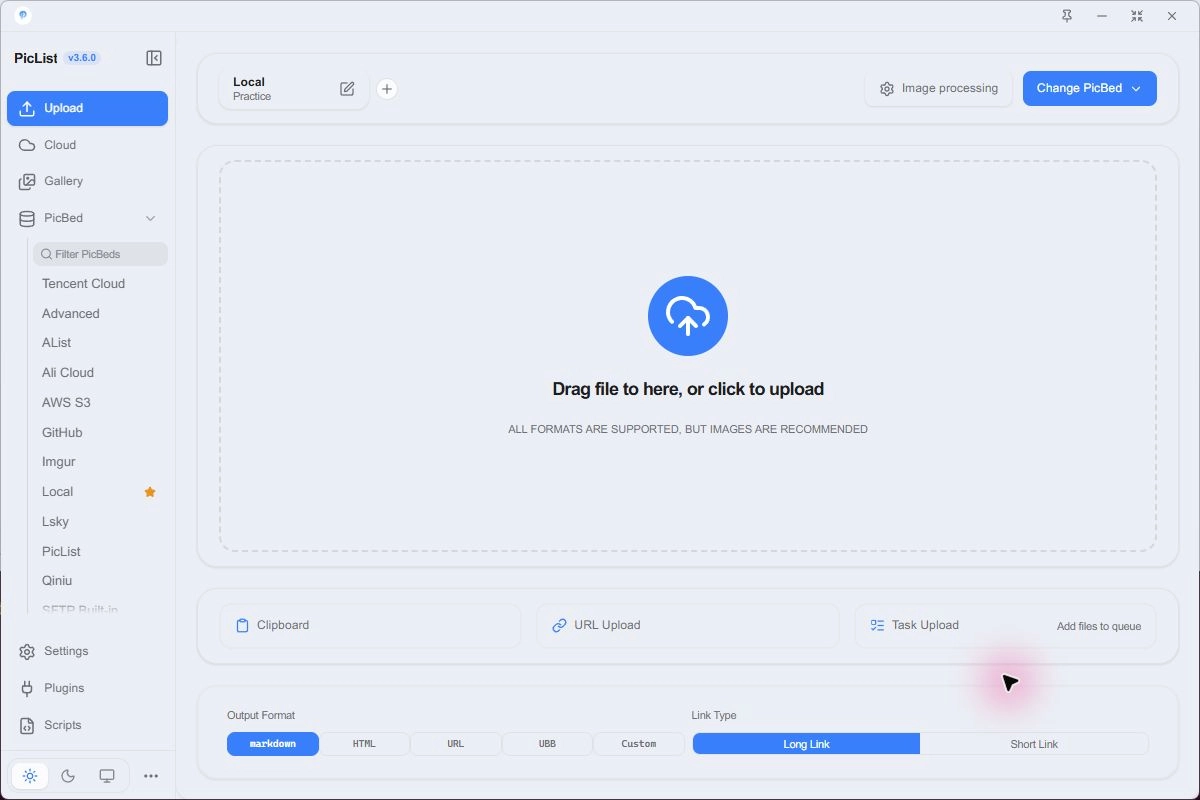
- Choose the provider under PicBed, click Add New Configuration, name it, fill in fields, and Confirm.
- Select its card and Set as Default PicBed; check the name on Upload.
- Upload one small image, verify the stored file, then open its URL without a service login.
S.EE
The ID remains smms and the interface can show SM.MS(S.EE). 3.6 uses the S.EE file API. Obtain your account API token through the S.EE developer entry and choose this provider in PicBed.
| Field | What to enter |
|---|---|
| token | Enter your API token locally |
Save and select the configuration, upload one image, and check its gallery link. Do not assume an old SM.MS token authorizes the new service. For authentication failures, check the current S.EE token and account status.
Alibaba OSS
Prepare an OSS bucket, its region, and an AccessKey with write access. See OSS concepts for bucket and region details. Select Ali Cloud in PicBed.
| Field | What to enter |
|---|---|
| accessKeyId / accessKeySecret | Enter your AccessKey pair locally |
| bucket | For example docs-images, without a URL |
| area | Bucket region, for example oss-cn-hangzhou |
| path | Optional object prefix, such as images/ |
| customUrl / webPath | Optional serving address and website path |
| options | Optional image-processing suffix; leave empty initially |
Check images/photo.png in the bucket, then test its link. area is not a console URL. customUrl changes the returned address rather than the built-in upload endpoint. If default-domain access is restricted for your account, follow current OSS domain requirements and use a compatible upload method.
Tencent COS
Prepare a bucket, APPID, SecretId, and SecretKey with object write access. Choose Tencent Cloud and v5 for a new configuration; v4 supports existing legacy deployments. See COS preparation.
| Field | What to enter |
|---|---|
| version | v5 |
| secretId / secretKey | Enter your key pair locally |
| bucket | Full bucket name, for example docs-images-1250000000 |
| appId | Account APPID; the example suffix is a placeholder |
| area | For example ap-guangzhou, matching the bucket |
| path | For example images/ |
| customUrl / webPath / options | Optional serving prefix, path, and processing suffix |
| endpoint | Leave default unless your deployment needs an override |
Do not append APPID a second time to the full bucket name. Check the stored object path and serving domain after upload. For 403 responses, diagnose write permission and anonymous reading separately.
Qiniu
Create a storage space and prepare its serving domain, region, and AccessKey / SecretKey. Follow Create a space, then choose Qiniu in PicBed.
| Field | What to enter |
|---|---|
| accessKey / secretKey | Enter your key pair locally |
| bucket | Storage space name |
| url | Actual serving domain including https:// |
| area | Region code; East China Zhejiang is z0 |
| path | Optional prefix, such as images/ |
| options | Optional image style suffix |
Check area against the official region table. url is not the upload API. Verify the object in the space and test with your configured domain. Development-domain availability follows current service rules.
Upyun
Create a storage service and authorize an operator with write access. bucket is the service name; operator / password are operator credentials rather than a dashboard login. See Upyun quick start.
| Field | What to enter |
|---|---|
| bucket | Storage service name |
| operator / password | Operator authorized for this service and its password |
| url | Bound serving domain including its scheme |
| path | Optional directory, such as images/ |
| options | Optional image-processing suffix |
| antiLeechToken / expireTime | Use when required by matching anti-hotlink rules |
| endpoint | API override; normally retain the default |
Check the stored file and bound domain separately. Write access does not guarantee CDN serving is available. Anti-hotlink signed links can expire.
Imgur
Select Imgur in PicBed. Prepare a Client ID or account access token according to your application and authorization method. See the Imgur API.
| Field | What to enter |
|---|---|
| clientId | Use for client authorization |
| username / accessToken | Supply both for account authorization |
| album | Optional account album |
| proxy | Optional proxy address |
When username and accessToken are both present, account authorization takes precedence; otherwise clientId can be used. Test without an album first. Check network and proxy reachability. A rejected preview request does not necessarily mean the upload failed.
Lsky
Provider ID: lskyplist. Obtain your server address, actual API version, and token. The server administrator supplies storage strategies, albums, and access requirements; do not infer the API version from appearance.
| Field | What to enter |
|---|---|
| version | Select the actual V1 or V2 API |
| host | For example https://lsky.example.com |
| token | Enter the server token locally |
| strategyId / albumId | Optional IDs supplied by your server |
| permission | Select private / public according to your service and use |
Use the server base address for host rather than the upload API path. Strategy and album fields take IDs, not display names. Verify the stored file and returned URL; private images may not display in public articles.
AList
Provider ID: alistplist. Verify that your mounted storage supports uploading and your account can write to the intended directory. Browsing a mount does not prove it supports writes.
| Field | What to enter |
|---|---|
| url | Server base address, such as https://alist.example.com |
| token | Use an existing valid token |
| username / password | Used to obtain a login token when token is empty |
| uploadPath | Actual directory, for example /Pictures/ |
| customUrl / webPath | Optional separate serving domain and public path |
Check the file in the AList directory. Without a custom domain, results can use AList download and signed addresses; verify anonymous access and expiry. Changing uploadPath does not change a separate website mapping.
PicList server
The piclist provider forwards file contents to another PicList or Core HTTP service. Configure a destination and start HTTP on the receiver before setting up this client.
| Field | What to enter |
|---|---|
| host | HTTP(S) service address, such as https://upload.example.com |
| port | Receiver port; follow the address used by your reverse proxy |
| picbed | Provider ID on the receiver, such as aws-s3-plist |
| configName | Saved configuration on the receiver, such as Blog |
| serverKey | Receiver upload access key, entered locally |
Receiver and client configuration names can differ. Check /heartbeat, then verify one returned image address. See Desktop API and Core HTTP for ports and behavior.
Advanced custom uploader
Provider ID: advancedplist. Use it for a service with an HTTP upload API and no built-in provider. Start from that service’s request and response examples.
| Field | What to enter |
|---|---|
| 请求地址与方法 | Actual upload API and POST / PUT method |
| 文件字段与请求参数 | Required multipart file field, parameters, and headers |
| 结果提取规则 | Extract the actual image URL from the JSON response |
| 脚本模式 | Use a custom script for more complex workflows |
Verify status, response structure, and a readable URL before a batch. A website page is not an upload API, and an error message is not an image link. See the Script system.
Check your first result
If the file exists but the URL fails, inspect serving domain, path mapping, access policy, and expiry before uploading again. For authentication errors, check the provider's own account and permission settings. Full configurations and logs can contain secrets; share only a sanitized error summary in Troubleshooting.