
Plugins
PicList supports the PicGo plugin ecosystem for additional uploaders, processing, and workflows. Use built-in processing where it meets your needs to reduce dependencies.
Desktop installation
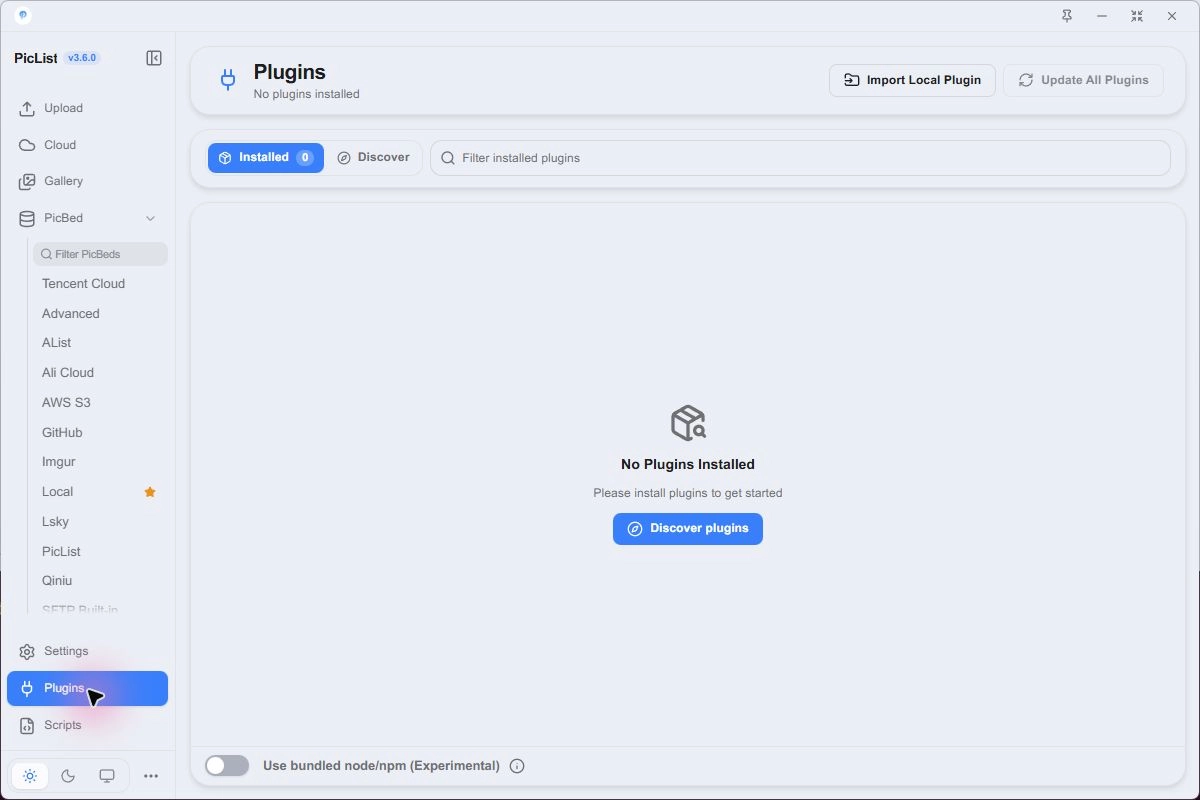
Check built-in providers first. R2 uses AWS S3 and does not need another plugin. When an extension is needed:
- Open Discover and search by name or keyword.
- Read its repository instructions, Core compatibility, dependencies, and configuration needs.
- After installation, return to Installed, configure it, and enable it.
- For a new uploader, create its PicBed configuration and select the destination.
- Test one image and check how it combines with existing processing.
Use bundled node/npm (Experimental) selects the app's runtime. It does not supply every external binary a plugin might require. Check enablement and restart as instructed if its entry is missing.
Discover also supports download counts and sorting in 3.6. Use the package's instructions to assess compatibility and external dependencies.
Offline installation
Use the app's import entry to load a plugin package. Its package.json, entry point, and dependencies must satisfy the plugin's requirements. A copied source snippet is not a complete installable package.
Core installation
picgo install picgo-plugin-<name>
picgo set plugin
picgo use plugins
picgo list
picgo update picgo-plugin-<name>
Replace <name> with the actual package name. Restart running servers or TUI sessions after changes.
Updates and removal
Before updating, record the destinations and settings that depend on the plugin. Uninstalling removes functionality, not previously uploaded remote files. Adjust dependent editors, tasks, and configurations.
Script or plugin?
| Goal | Starting point |
|---|---|
| Built-in compression, watermarking, naming | Image processing |
| A small hook or personal upload script | Scripts |
| A reusable uploader or processor package | A PicGo plugin |
Find community packages at Awesome-PicGo. Compatibility depends on the implementation and Core version; not every older plugin will work unchanged.